Example projects
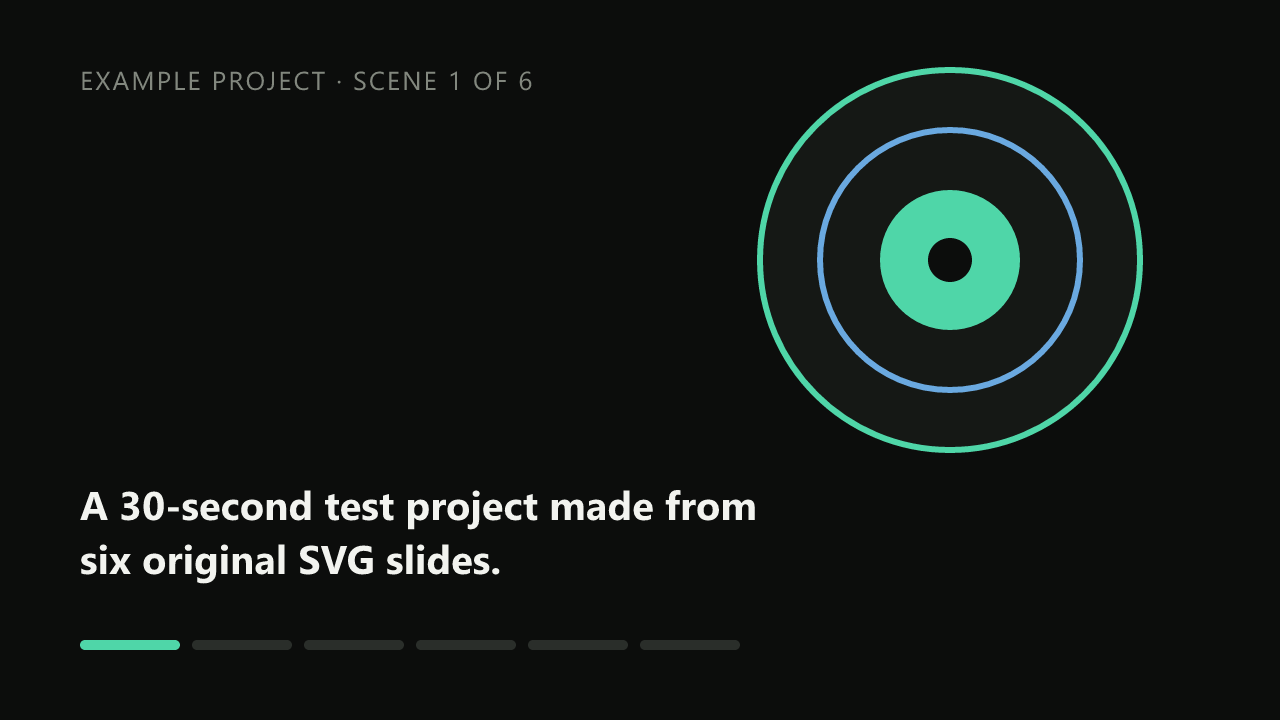
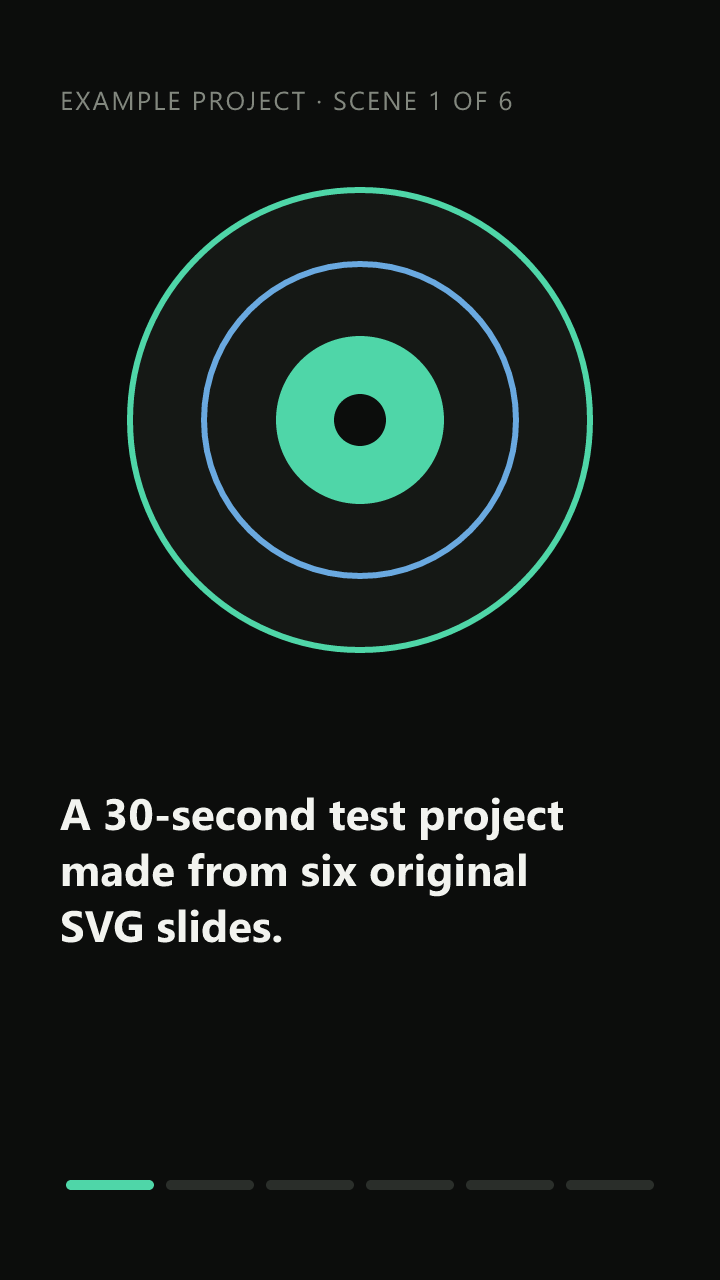
Two 30-second test projects, one 16:9 and one 9:16, that you can open, edit and render again. Each is six slides of simple original shapes with one caption each, joined into a silent video.
What these are, exactly. Caption-based geometric test projects that show a reproducible pipeline: SVG slides to PNG frames to a silent H.264 file, plus an SRT caption file. They are not reviews of any paid tool, not a measurement of editing productivity, and not a sample of finished channel content. There is no voice, music, stock footage, AI generation or outside media in them, and nothing in them clears any other asset for use.
The two exports
Measured by reading each rendered file back with FFprobe after the render. The figures below are those readings, not targets.
Geometric caption test, 16:9
- Measured duration
- 30 s
- Resolution
- 1280×720
- Frames
- 900
- 30/1 fps
- Codec
- h264
- yuv420p, no audio track
- File size
- 607.0 KiB
- FFmpeg render time
- 6.1 s
- local wallclock
Geometric caption test, 9:16
- Measured duration
- 30 s
- Resolution
- 720×1280
- Frames
- 900
- 30/1 fps
- Codec
- h264
- yuv420p, no audio track
- File size
- 673.7 KiB
- FFmpeg render time
- 6.4 s
- local wallclock
Edit and reproduce
Download the editable project ZIP (51.1 KiB)
Reproduce it yourself
- Edit the text or shapes in any
scene-0N.svg. Keep six scenes of 5 seconds each. - Install Node 22 or newer and FFmpeg, and run
npm install(it brings in the SVG rasterizer the site already uses). - Run
node scripts/render-examples.mjs. It draws each slide, calls FFmpeg once per project, and reads each file back with FFprobe. - It writes the manifest only if every check passes: duration 30 s within 0.2 s, the stated size, H.264 in yuv420p, 900 frames at 30 fps, no audio track.
Optional: email me when there are new examples or guides
Optional. Everything on this site, including the starter kit download, works without it. We email only what you tick, and a confirmation email comes first.
This page is running on your own computer without a test backend configured, so the form will not contact the live service. Nothing is sent anywhere.